
As we enter 2026, digital content is no longer judged by how much information it contains, but by how easily that information can be consumed. PDFs are still one of the most common formats for reports, whitepapers, guides, and training materials. However, static documents are increasingly mismatched with modern consumption habits.
This shift explains why more individuals and organizations are choosing to convert PDF to video. Video aligns better with how people learn, share, and engage with content today—and AI has made this transformation faster and more accessible than ever.
With the ability to convert PDF to video with AI, static documents can now be turned into narrated, visual videos in minutes, without scripting or editing. This article explains why this trend is accelerating in 2026, how AI enables it, and which tools are currently the best options to convert PDF to video online.
Why Convert PDF to Video with AI?
Video Matches Modern Learning Behavior
People today prefer to watch and listen rather than read long documents. By choosing to convert PDF to video, creators adapt their content to visual and audio-first consumption. AI narration allows users to absorb information while multitasking, while visuals reinforce key ideas.
This combination consistently outperforms static PDFs in comprehension and engagement.
AI Turns Dense Documents into Clear Narratives
Most PDFs are written for reading, not viewing. They contain long paragraphs, complex explanations, and nested ideas. AI PDF to video tools reorganize this information into structured narration, breaking content into logical scenes.
As a result, when you convert PDF to video with AI, the output feels like a guided explanation instead of a slide-by-slide reading of the document.
AI Removes Time and Cost Barriers
Traditional video production is expensive and slow. AI-powered tools eliminate the need for scripting, recording, and editing. Uploading a PDF is often enough to generate a complete video.
This shift allows individuals and teams to convert PDF to video online at scale, making video creation practical rather than resource-intensive.
Video Makes Content Platform-Ready
PDFs are static and difficult to distribute across social platforms. Videos are algorithm-friendly and shareable. Once you convert PDF to video, the same content can be used on YouTube, LinkedIn, learning platforms, or internal training systems.
From a content strategy perspective, converting PDFs into videos dramatically extends reach and lifespan.
How AI Works to Convert PDF to Video
AI PDF to video tools operate through several automated steps:
- Analyze PDF Content: The AI scans text, images, headings, and layout.
- Generate Script: A natural-language script is created from the PDF content.
- Add Voiceover: AI generates human-like narration for your video.
- Create Visuals: Images, icons, and animations are automatically matched with your script.
- Export Video: Your final video is ready for download in MP4 or other formats.
This workflow ensures anyone can convert PDF to video online without prior video editing experience, making it ideal for businesses, educators, and creators alike.
Best Tools to Convert PDF to Video in 2026
At first glance, most AI PDF to video tools seem to do the same thing—upload a PDF and get a video. In reality, the results vary dramatically. The difference lies in how each tool interprets and restructures your content. Below, we examine the leading platforms by looking at how they convert PDFs into videos and what kind of users benefit most from each approach.
1. DeepPDF AI – Best for Long and Content-Heavy PDF to Video Conversion
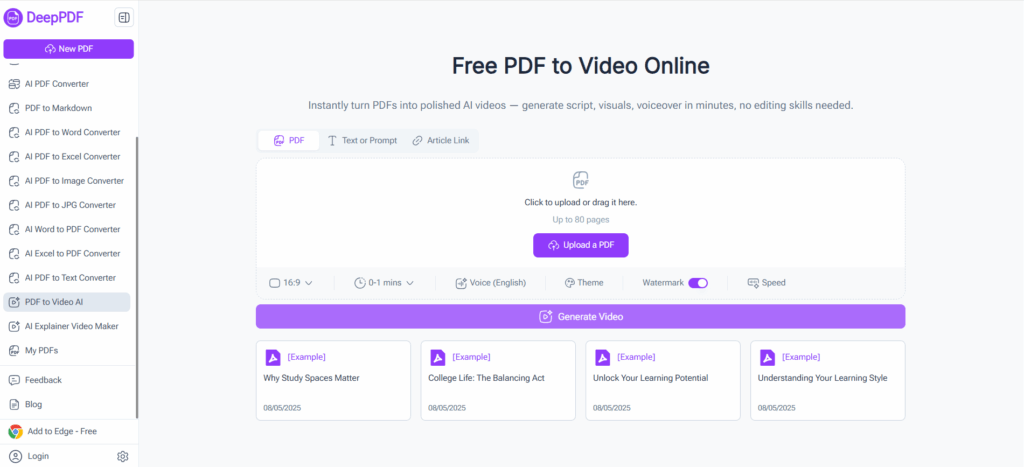
DeepPDF AI allows you to convert PDF to video seamlessly by transforming static documents into fully narrated videos with visuals. Simply upload your PDF, and the AI generates scripts, images, and voiceover, producing a polished MP4 video ready to share. Users can convert PDF to video efficiently, even for long, content-heavy documents.
Key Features:
- AI-generated scripts and visuals for professional PDF to video conversion
- Natural voice narration for clear storytelling
- Handles long PDFs seamlessly while converting PDF to video
- Customization of background, images, and voice
Best For:
Educators, marketers, and professionals looking to convert PDF to video while maintaining high-quality output.
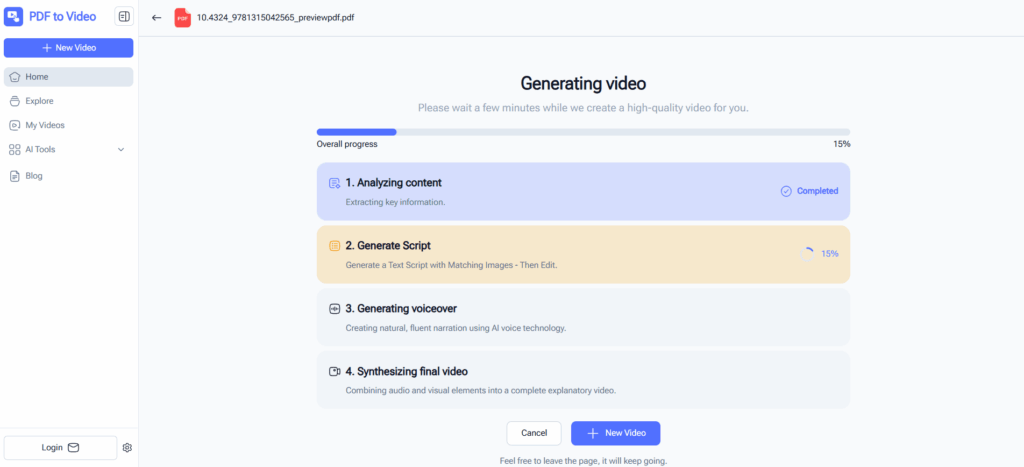
2. PDF to Video AI – Fast and Free Online PDF to Video Conversion
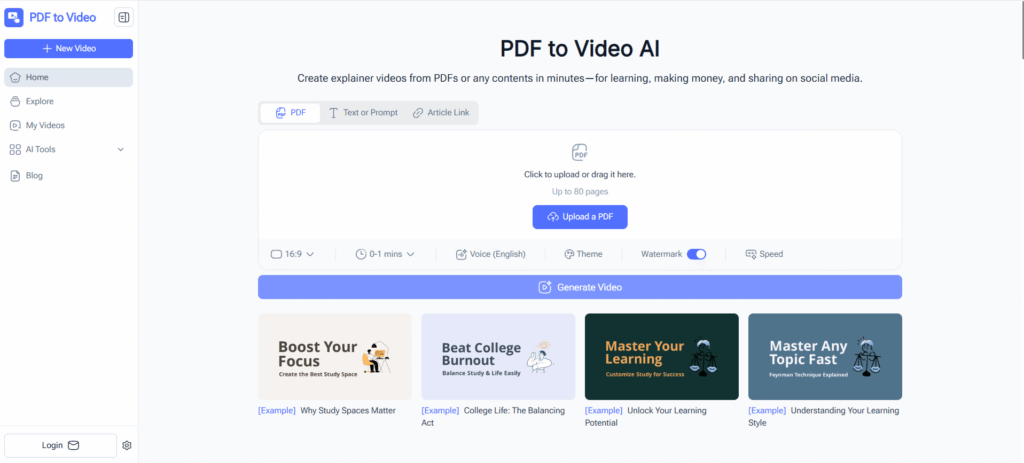
PDF to Video AI is a free online tool for fast PDF to video conversions. It requires no signup and creates videos with AI narration and automated scene transitions. Users can quickly convert PDF to video online for learning, social media, or internal presentations.
Key Features:
- No account required to convert PDF to video
- Customizable voice and pacing for improved narration
- Fast browser-based conversion for quick PDF to video creation
- Suitable for short learning videos and social media clips
Best For:
Students, trainers, or casual creators who want to convert PDF to video free and quickly.
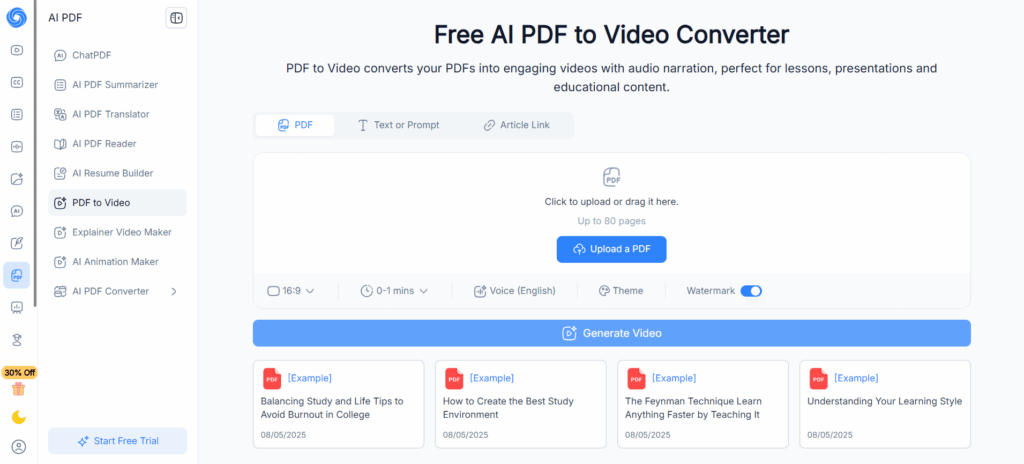
3. NoteGPT – One-Click PDF to Video for Instant Content Creation
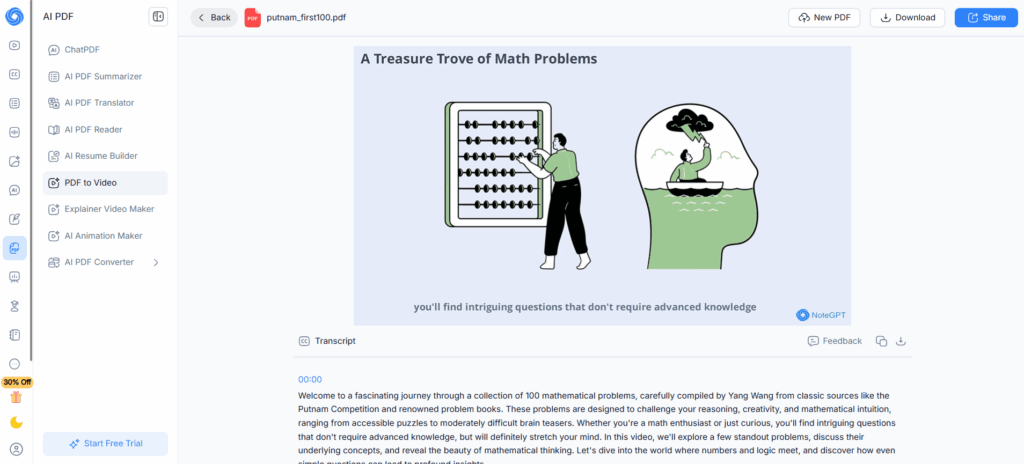
NoteGPT provides a minimalistic interface to transform PDFs into AI-narrated videos. Designed for fast, one-click conversion, it allows users to instantly convert PDF to video without additional setup. Entire documents can be turned into a continuous video flow with voiceover automatically added.
Key Features:
- No signup required to convert PDF to video
- Automatic voiceover for seamless narration
- Converts entire documents into continuous videos efficiently
- Straightforward interface for instant PDF to video conversion
Best For:
Educators and content creators who need to convert PDF to video quickly with minimal effort.
4. Steve.ai – Creative and Brand-Focused PDF to Video Production
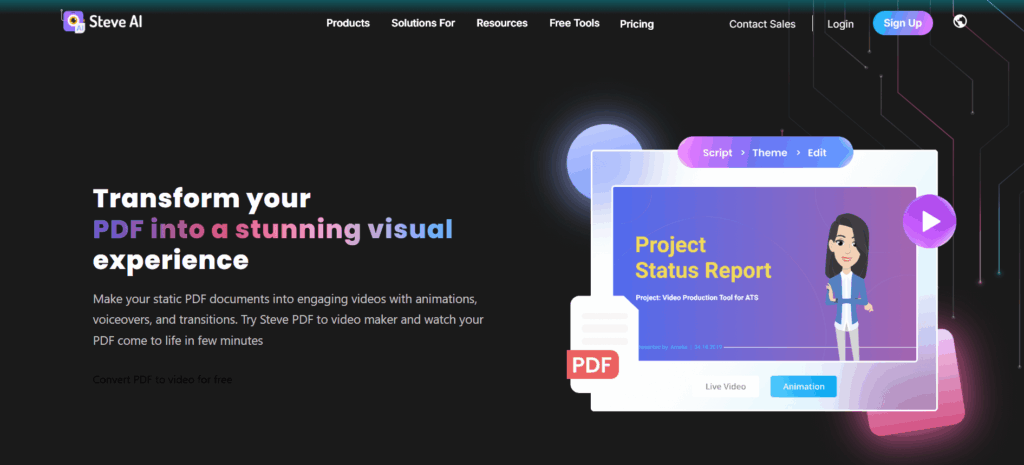
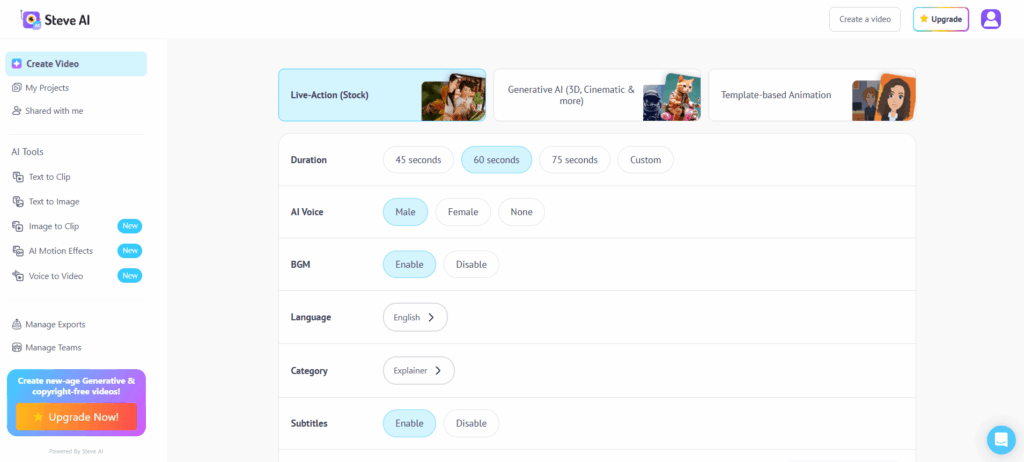
Steve.ai is a creative AI video platform that transforms PDFs into videos with avatars, animations, and custom visual assets. Users can convert PDF to video with enhanced control over style, branding, and presentation. This tool is ideal for producing professional videos from PDFs with creative visual elements.
Key Features:
- Extensive media templates for converting PDF to video creatively
- Customizable avatars and voiceover for personalized PDF to video output
- Professional animations for engaging PDF to video content
- Multi-language support to convert PDF to video for global audiences
Best For:
Professionals or businesses who want to convert PDF to video with more creative and branded control.
5. HeyGen – Interactive PDF to Video with AI Avatars
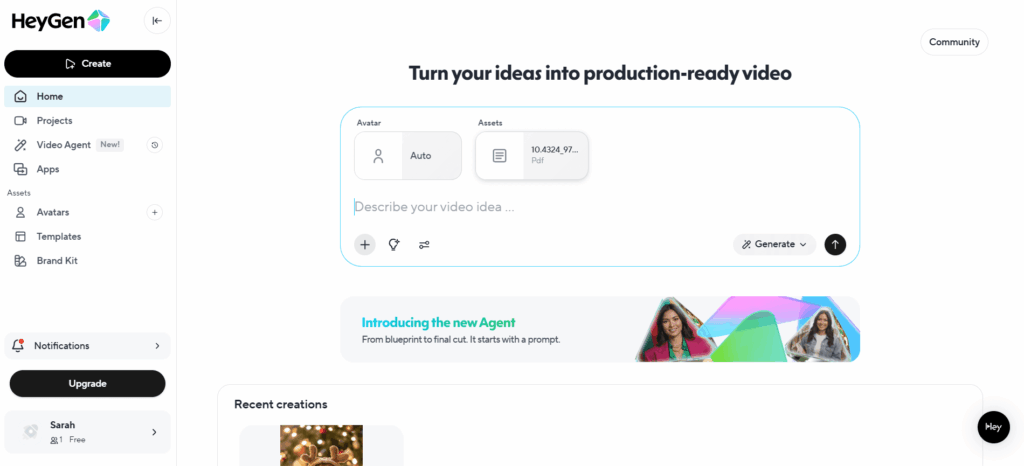
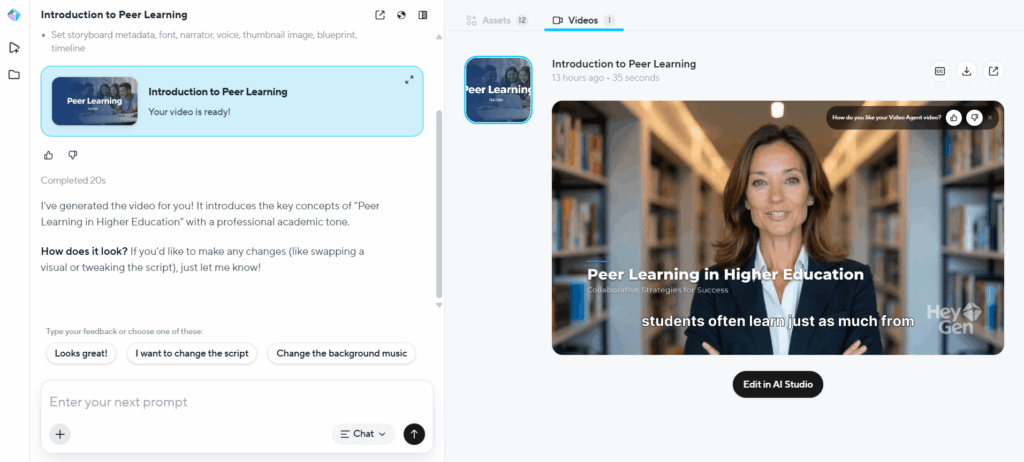
HeyGen converts PDFs into immersive videos featuring AI avatars, visuals, and natural narration. Users can convert PDF to video by automatically generating storyboards from their PDFs, creating polished and interactive videos that feel like a human presenter is delivering the content.
Key Features:
- AI avatars for narration when converting PDF to video
- Dynamic scene creation from PDF for engaging PDF to video output
- Flexible export formats for multiple platforms
- Supports localization and translation for converting PDF to video in different languages
Best For:
Teams or creators seeking professional storytelling who want to convert PDF to video with advanced visual and interactive elements.
Choosing the Right PDF to Video Approach
When deciding to convert PDF to video, it’s important to align your choice with your content type, audience, and desired outcome. Here’s a structured way to approach it:
- For Detailed or Long PDFs: If your document is content-heavy or highly structured, look for tools that preserve logical flow and automatically generate voiceover and visuals. This ensures viewers can follow along clearly when you convert PDF to video for educational or professional purposes. For instance, DeepPDF AI is ideal in these cases, as it handles long documents efficiently while keeping narration coherent.
- For Quick and Simple Conversion: If speed and convenience are your priority, online platforms let you convert PDF to video online in minutes without complex setup. This works well for short guides, summaries, or social media clips. A tool like PDF to Video AI allows you to create videos quickly and free, making it perfect for students, trainers, or casual creators.
- For Creative or Brand-Focused Projects: When producing videos for marketing, client presentations, or branded content, choose tools that allow animation, avatars, or customizable templates. By using these features to convert PDF to video, you can ensure both clarity and visual appeal while creating engaging, professional-grade content.
- For Interactive or Engaging Delivery: If your goal is to engage learners or audiences with a human-like presentation, tools that generate avatars or interactive storyboards let you convert PDF to video in a way that feels personal and immersive.
By considering your goals—clarity, speed, creativity, or engagement—you can select the right tool to convert PDF to video, ensuring that your PDFs are transformed into videos that truly meet your audience’s needs. Highlighting specific tools in this context helps guide your choice without repeating detailed features unnecessarily.
Frequently Asked Questions About Converting PDF to Video
Q1: Can I edit the AI-generated script after converting PDF to video?
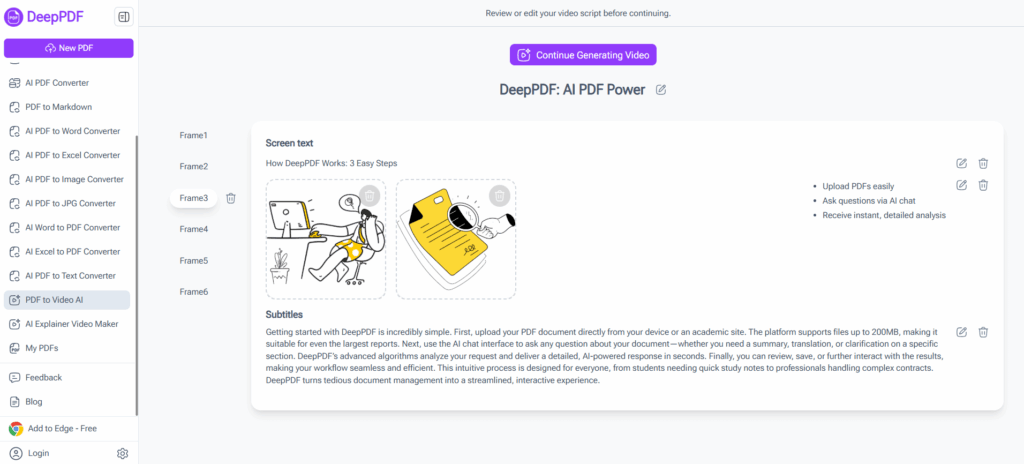
Yes! Many AI PDF to video tools, such as DeepPDF AI and NoteGPT, allow you to modify the automatically generated script before finalizing your video. You can adjust wording, add explanations, or rephrase content to better match your audience while still maintaining the efficiency of AI-assisted conversion. This means you can convert PDF to video and retain full control over narration and content flow.
Q2: Can I replace or customize images and visuals in the video?
Absolutely. Platforms like Steve.ai and HeyGen let you swap AI-suggested images, icons, or animations with your own visuals. This customization ensures your video reflects your style or brand identity while you convert PDF to video, giving you a professional and polished final product.
Q3: How long does it usually take to convert PDF to video?
The processing time depends on PDF length and complexity. Standard PDFs can usually be converted in a few minutes, while longer or highly visual PDFs may take slightly longer. Tools like PDF to Video AI allow you to convert PDF to video online quickly and efficiently, making it easy to create videos from your PDFs with minimal wait time.
Q4: Are there file size or page limits?
Free or basic plans may impose limits on page count or file size, while premium versions often support larger PDFs. For example, DeepPDF AI handles long and content-heavy PDFs, letting you convert PDF to video even for complex reports or eBooks without losing quality.
Q5: What types of PDFs convert best to video?
PDFs with clear headings, bullet points, and structured content convert most smoothly. While AI can handle charts and images, documents with consistent formatting produce the best results when you convert PDF to video. Tools like NoteGPT are particularly effective for lecture notes or guides, while Steve.ai is ideal for PDFs intended for creative or branded video output.
Conclusion
AI-powered tools have revolutionized the way we convert PDF to video, making it faster, easier, and more accessible than ever before. From simplifying complex information to creating engaging, shareable content, converting PDFs into videos is no longer a niche skill—it’s becoming a standard part of content creation for educators, marketers, and professionals alike.
Choosing the right tool depends on your goals: whether you need speed, simplicity, creative control, or interactive delivery, there’s a solution that fits your workflow. Platforms like DeepPDF AI allow you to seamlessly convert PDF to video, handling long documents, generating scripts, visuals, and natural voiceovers, all in a few clicks. Its intuitive interface and high-quality output make it an ideal choice for anyone looking to transform static PDFs into dynamic video content that truly engages an audience.
Start transforming your PDFs today and see how AI can turn your documents into captivating videos. With DeepPDF AI, you can effortlessly convert PDF to video and elevate your content strategy to the next level.