
Free AI Excel to PDF Converter

Instantly convert Excel spreadsheets to PDF online with our AI Excel to PDF Converter. Supports multi-sheet files, preserves layout, and is completely free and secure.

excel formatpdf format

Upload or drag an Excel here.

Max 50MB

pdf translator example[Example]
Excel to PDF Example.xlsx
31/03/2025

AI Excel to PDF Converter - Free, Secure & No Sign-Up

Use our AI Excel to PDF Converter to turn XLS or XLSX into accurate PDFs with perfect layout and multi-sheet support. Free, secure, no sign-up required.

AI Excel to PDF Converter - Free, Secure & No Sign-Up

What Is an AI Excel to PDF Converter?

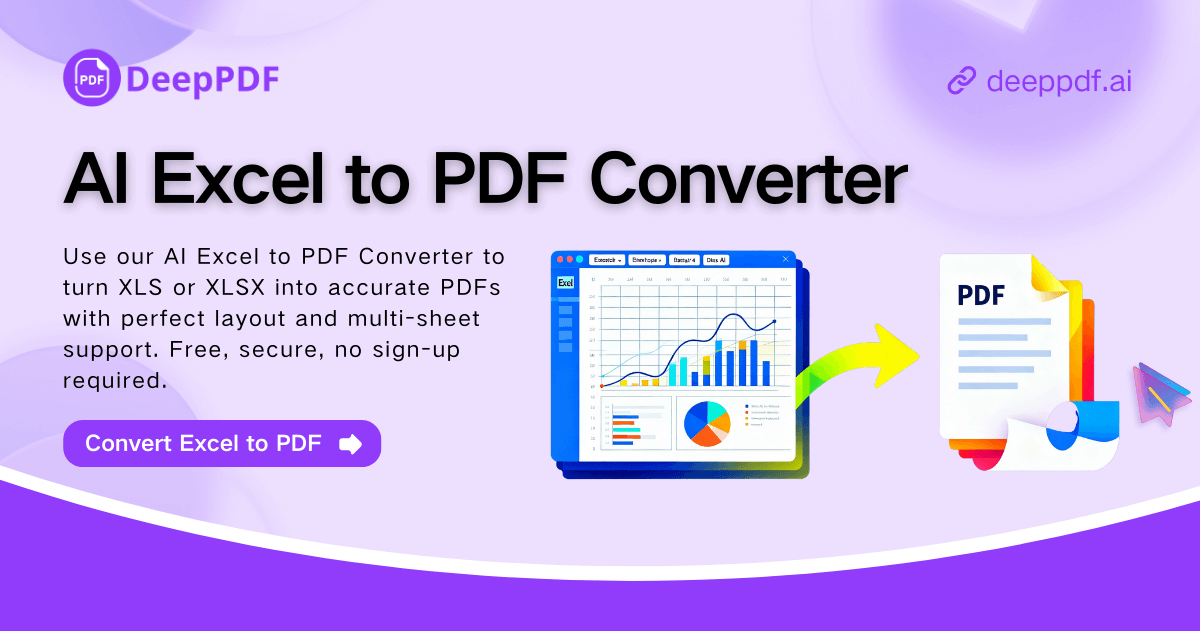
An AI Excel to PDF Converter is an online tool that changes XLS or XLSX files into clear, well-formatted PDF documents. It keeps tables, fonts, and layouts in place, even when working with multi-sheet spreadsheets. This makes sharing reports, invoices, and data summaries simple, fast, and reliable.

What Is an AI Excel to PDF Converter?

Why AI Excel to PDF Converter Is Recommended

AI Excel to PDF Converter is recommended because it reads spreadsheets intelligently and preserves every detail, from layouts and colors to charts and merged cells. It keeps multi-sheet workbooks organized, places page breaks neatly, and repeats headers when needed. In just seconds, users can turn XLS or XLSX files into clean, balanced PDFs that are ready for sharing, printing, or archiving.

Why AI Excel to PDF Converter Is Recommended

Worried About Your Excel Files Being Edited or Altered?

Still concerned colleagues or clients might accidentally change your data? The AI Excel to PDF Converter locks your XLS or XLSX into a secure, read-only PDF. Layouts, colors, charts, and multi-sheet structures are preserved, giving you peace of mind when sharing sensitive documents.

Worried About Your Excel Files Being Edited or Altered?

What Makes AI Excel to PDF Converter Stand Out

The AI Excel to PDF Converter makes turning XLS and XLSX files into precise PDFs effortless. With intelligent layout handling, multi-sheet support, and fast online processing, Excel to PDF conversion is now accurate and reliable for all your documents.

Intelligent Layout Handling

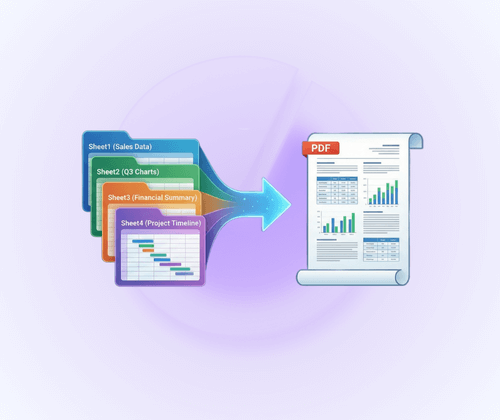
The AI Excel to PDF Converter preserves all tables, charts, fonts, and cell alignments exactly as in Excel. Page breaks are placed intelligently, headers repeat when necessary, and every PDF reflects the original spreadsheet with precision.

Effortless Multi-Sheet Conversion

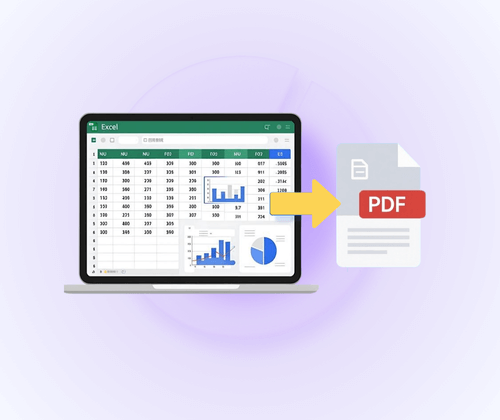
Easily convert Excel files containing multiple sheets into a single, well-organized PDF. The tool processes all sheets automatically, maintains correct sheet order, and ensures complex XLS/XLSX workbooks are merged seamlessly for sharing or printing.

Fast, Secure, and Convenient

Generate polished PDFs in seconds with this AI Excel to PDF Converter. All conversion happens online, keeping your files private and safe. No installation or sign-up is required, providing a quick and convenient workflow for everyday Excel to PDF needs.

How to Use AI Excel to PDF Converter in 3 Simple Steps

Converting your Excel files to professional PDFs is fast and easy. With the AI Excel to PDF Converter, you can turn XLS or XLSX workbooks into clean, well-formatted PDFs in just a few clicks, making Excel to PDF conversion simple for work, school, or personal use.

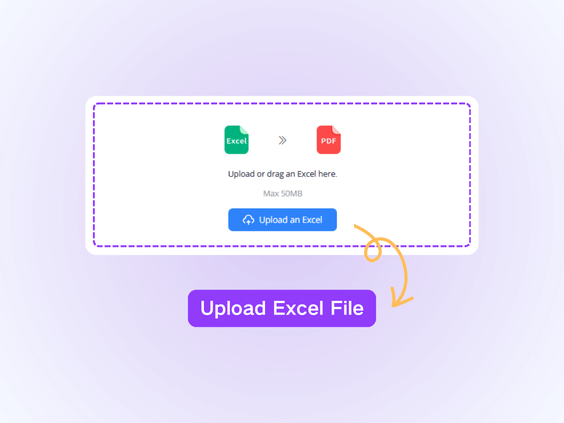
Step 1: Upload Your Excel File

Step 1: Upload Your Excel File

Start by selecting the XLS or XLSX file you want to convert. Simply drag and drop your spreadsheet into the converter or click to upload. The tool supports single or multi-sheet workbooks, preparing your file for accurate PDF conversion.

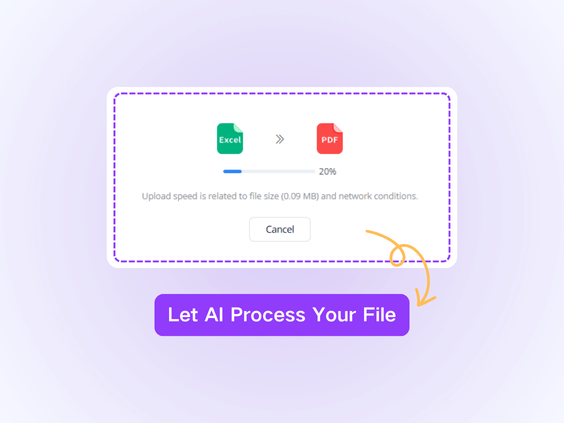
Step 2: Convert to PDF

Step 2: Convert to PDF

The AI Excel to PDF Converter processes your spreadsheet online, preserving layouts, charts, colors, and headers. Multi-sheet files are handled automatically, ensuring the final PDF looks just like your original Excel.

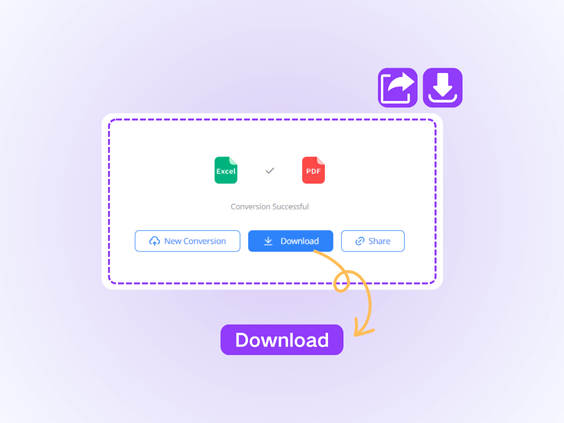
Step 3: Download Your PDF

Step 3: Download Your PDF

After conversion, download the polished PDF to your device. Your XLS or XLSX workbook is now a professional, ready-to-share PDF. All processing happens securely online, with no sign-up or software installation required, making Excel to PDF conversion quick and convenient.

What Users Say About AI Excel to PDF Converter

L.M. avatar

L.M.

Online Instructor

"I frequently work with large XLS and XLSX files for reporting, and finding a reliable tool to convert Excel to PDF without messing up my layouts has always been challenging. The AI Excel to PDF Converter exceeded my expectations. It keeps all tables, charts, and cell alignments intact, even for multi-sheet workbooks. Sharing reports with colleagues is now seamless, and I save so much time every week. It’s fast, secure, and incredibly easy to use, making my workflow much more efficient."

J.T. avatar

J.T.

E-commerce Founder

"Managing financial data and reports means working with large Excel workbooks daily. The AI Excel to PDF Converter has been a game-changer. It converts my XLS and XLSX files to PDF without losing any formatting, charts, or headers. Multi-sheet workbooks are handled automatically, and I can produce ready-to-share documents in seconds. It’s secure, reliable, and much faster than any method I’ve used before. I recommend it to anyone needing precise Excel to PDF conversions."
S.K. avatar

S.K.

Marketing Specialist

"For my work in marketing, I rely on Excel to track campaigns and results, which often includes multiple sheets and complex charts. The AI Excel to PDF Converter makes turning these workbooks into PDF effortless. It preserves all formatting, handles multi-sheet files seamlessly, and delivers clean, professional PDFs ready for presentations. I save a lot of time, and my reports look exactly as intended every time. It’s simple, efficient, and trustworthy for anyone who regularly converts Excel to PDF."
R.P. avatar

R.P.

University Student

"I handle Excel files for school assignments, and formatting is always a nightmare when converting to PDF manually. Using the AI Excel to PDF Converter made everything simple. My XLS and XLSX files are transformed into clean, well-organized PDFs while keeping charts, tables, and colors intact. Multi-sheet files are also merged automatically, which saves me a lot of time. This tool has become my go-to solution for producing polished documents quickly and efficiently."
A.D. avatar

A.D.

HR Manager

"As a project manager, I often have complex Excel spreadsheets with multiple sheets and embedded charts that I need to present to clients. The AI Excel to PDF Converter handles everything flawlessly. It merges all sheets into a single PDF, preserves formatting, and delivers professional results instantly. I no longer worry about layout errors or missing data when sharing files. It’s fast, intuitive, and reliable for both work presentations and team collaboration."
M.N. avatar

M.N.

Freelance Content Creator

"I often need to send Excel reports to clients and partners, and ensuring the formatting remains consistent is critical. The AI Excel to PDF Converter keeps every detail perfect—from charts and tables to cell colors and multiple sheets. Converting XLS or XLSX files has never been this fast and simple. It’s also fully online, which means I don’t need to install any software. This tool has dramatically improved how I share professional documents with others."

Excel to PDF Conversion Made Fast and Easy

No matter how many sheets your Excel workbook contains, the AI Excel to PDF Converter merges them into a single, clean PDF. Save time and ensure your content stays perfectly organized.

Start Converting Now

Frequently Asked Questions About AI Excel to PDF Converter