Free PDF to Word Converter with AI – Online, No Sign-Up

AI PDF to Word converter that lets you convert PDF to Word online for free with preserved formatting and layout. Fast, accurate, and no sign-up needed.

pdf formatword format

Upload or drag a PDF here.

Max 50MB

pdf translator example[Example]
PDF to Word Example.pdf
02/12/2025

Free PDF to Word Converter with AI – Online, No Sign-Up

AI PDF to Word converter that lets you convert PDF to Word online for free with preserved formatting and layout. Fast, accurate, and no sign-up needed.

Free PDF to Word Converter with AI – Online, No Sign-Up

What is an AI PDF to Word Converter?

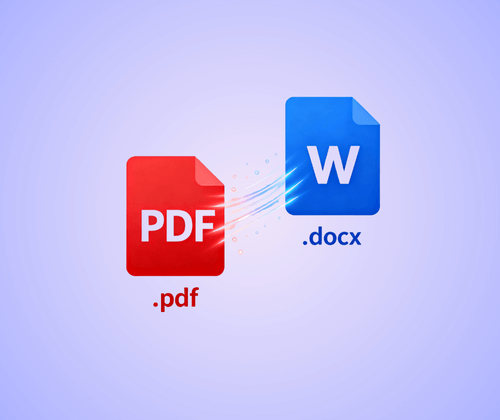
The AI PDF to Word converter is an online tool that quickly transforms PDF files into editable Word documents. It preserves the original layout, fonts, and images, making it ideal for reports, resumes, or study materials. Free, fast, and no sign-up is required, it allows seamless PDF to Word online conversion while keeping your content accurate and easy to edit.

What is an AI PDF to Word Converter?

Why AI PDF to Word Converter Is Recommended

AI PDF to Word converter is recommended because it helps users handle PDFs without extra steps or complex tools. Instead of struggling with locked text or distorted formatting, you get a clear, editable Word file in moments. The converter works well for long documents, and files with images, making it useful for daily tasks at school or work. With fast processing, accurate results, and a free online workflow, it becomes a practical choice for anyone who needs a reliable PDF to Word online solution.

Why AI PDF to Word Converter Is Recommended

Still Struggling to Convert PDF to Word Without Chaos?

Ever tried adjusting a PDF and wondered why a simple change turns into a long battle with broken lines or missing formatting? Many users deal with this every day. Copy-and-paste ruins spacing, tables collapse, and long documents become hard to manage. Even older pdf to word tools often fail to keep the original structure intact. With AI handling layout, text flow, and overall formatting, an AI PDF to Word converter removes these barriers and gives you a clean, editable Word file without the usual struggle.

Still Struggling to Convert PDF to Word Without Chaos?

What Makes Our AI PDF to Word Converter Stand Out

Turning a PDF into a clean, editable Word file shouldn’t feel complicated. Our AI PDF to Word converter makes the process lighter by removing extra steps and keeping the results dependable. With a focus on simplicity and accuracy, it delivers a smooth pdf to word online experience that fits naturally into your daily work.

Fully Online—No Software Installation Needed

Convert PDF to Word directly in your browser. There’s no need to download programs or worry about updates. Everything happens online, making the process simple and accessible from any device.

AI-Powered Conversion Preserving Original Formatting

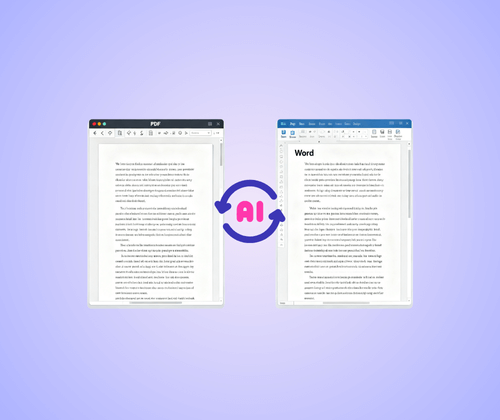
The AI analyzes your PDF’s layout, text, and tables to create a clean, editable Word file. It keeps fonts, spacing, and visual order intact, so documents are ready for editing immediately.

Free and Easy-to-Use

This AI PDF to Word converter is free to use with no sign-up required. Upload a file and download an editable Word document in seconds. Its simple design and quick steps make it a hassle-free pdf to word online solution without complex settings.

How to Use the AI PDF to Word Converter in 3 Simple Steps

Converting PDF to Word with this AI tool is quick and simple. The entire process happens online, giving you an editable Word file in just a few steps without extra software or complicated settings.

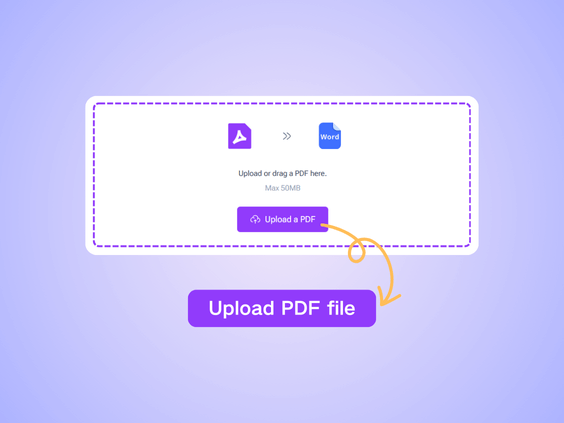
Step 1: Upload Your PDF File

Step 1: Upload Your PDF File

Choose the PDF you want to convert and upload it from your device. Drag-and-drop also works, making it easy to start the pdf to word online conversion right away.

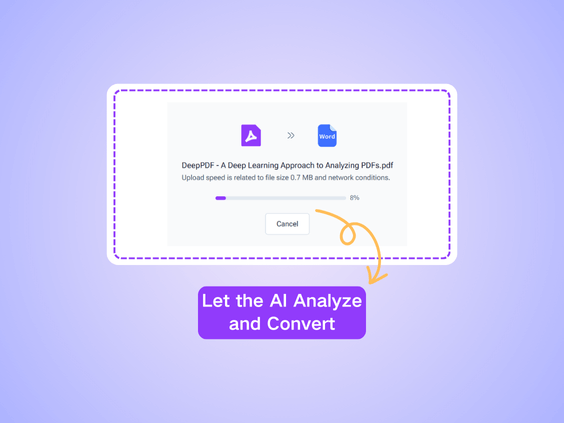
Step 2: Let the AI Analyze and Convert

Step 2: Let the AI Analyze and Convert

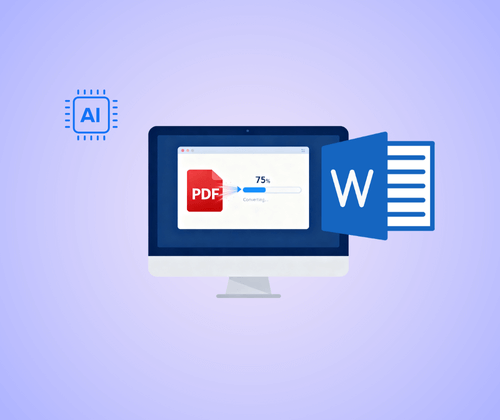
The AI reads your file and rebuilds it as a clean Word document. It keeps the layout organized and preserves text flow, headings, and tables automatically.

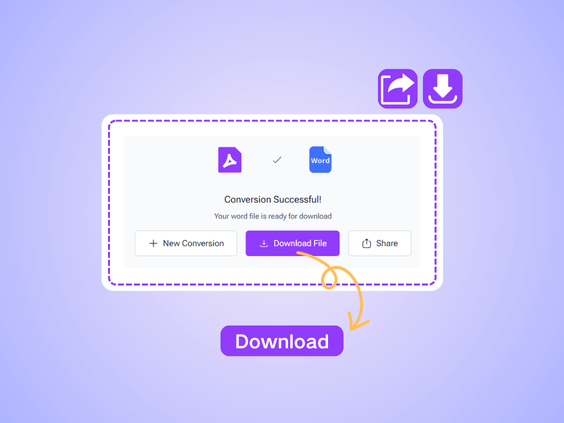
Step 3: Download and Start Editing

Step 3: Download and Start Editing

Once the conversion finishes, download the Word document and open it to edit immediately. You can adjust content, update formatting, or reuse text without fixing broken layouts.

What Users Say About Our AI PDF to Word Converter

L.M. avatar

L.M.

Online Instructor

"For my research papers, keeping the formatting when converting PDFs was always a challenge. This AI PDF to Word converter solves that completely. Headings, tables, and images are preserved, and the Word file is ready to edit immediately. It’s an essential tool for anyone who wants clean, editable documents without spending hours fixing layouts."

J.T. avatar

J.T.

E-commerce Founder

"Handling client contracts used to take forever because PDFs are not easy to edit. This AI PDF to Word converter changed everything. The conversion is accurate, tables and formatting are preserved, and I can start editing immediately. It works completely online, so I can use it anywhere without installing software. A truly time-saving tool for anyone who works with PDFs regularly."
S.K. avatar

S.K.

Marketing Specialist

"I often receive PDFs of presentations and reports that need quick edits for campaigns. This AI PDF to Word converter lets me transform these files into editable Word documents instantly. It preserves charts, tables, and design layouts perfectly, saving me valuable time and helping me prepare client-ready materials faster. A must-have tool for any marketer dealing with PDFs regularly."
R.P. avatar

R.P.

University Student

"I often need to edit reports and study materials, and this AI PDF to Word converter has made my work so much easier. The tool preserves all the formatting, tables, and images perfectly, and I can download an editable Word file in seconds. No sign-up or complicated steps—just upload and convert. It saves me hours every week and keeps my documents neat and accurate."
A.D. avatar

A.D.

HR Manager

"As a project manager, I deal with long PDFs every day. This AI PDF to Word converter helps me turn client documents into Word quickly without messing up the layout. Even complex tables and charts stay intact, which is amazing. It’s reliable, fast, and completely online, making my workflow much smoother. I can edit reports immediately after conversion, which really boosts productivity."
M.N. avatar

M.N.

Freelance Content Creator

"I often receive PDFs that need editing or repurposing. Using this AI PDF to Word converter allows me to quickly turn any PDF into a Word document with perfect formatting. It’s free, fast, and very easy to use. I especially love that it works on my laptop and tablet, so I can convert files anytime without hassle."

Ready to Turn Your PDF Into an Editable Word File?

No more messy tables or unclear text. Our AI PDF to Word converter instantly transforms your PDF into a fully editable Word file while keeping it completely on your device. Quick, easy, and entirely free—start your first edit in just seconds!

Try PDF to Word for Free

Frequently Asked Questions About AI PDF to Word Converter