Free AI Word to PDF Converter Online

Convert DOCX files to high-quality PDFs instantly with our AI Word to PDF Converter. Preserve layouts, tables, and images perfectly. Enjoy free, online, and secure conversion.

word formatpdf format

Upload or drag a Word here.

Max 50MB

pdf translator example[Example]
Word to PDF Example.docx
31/03/2025

AI Word to PDF Converter – Free Online & High-Quality PDF

Convert Word documents to high-quality PDFs instantly with our AI-powered Word to PDF Converter. Free, online, secure, and ideal for DOCX, images, and tables.

AI Word to PDF Converter – Free Online & High-Quality PDF

What is AI Word to PDF Converter?

AI Word to PDF Converter is an online tool that allows you to quickly turn Word documents into high-quality PDF files. It uses intelligent algorithms to maintain layouts, tables, and images while ensuring the final file looks professional. This free online converter supports DOCX and DOC formats, making it perfect for reports, assignments, or business documents. It also provides a secure and fast conversion experience without requiring any installation or registration.

What is AI Word to PDF Converter?

Why AI Word to PDF Converter is Recommended

AI Word to PDF Converter is recommended because it protects your Word files from accidental edits or changes while creating PDFs that are perfect for printing or professional sharing. Users can ensure layouts, tables, and images remain intact. The tool is free, online, and secure, providing peace of mind for both personal and business documents.

Why AI Word to PDF Converter is Recommended

Tired of Word Documents Breaking Layout When Sharing?

Sharing Word files can be stressful as tables shift, images move, and formatting breaks. This often requires manual fixes before colleagues, clients, or teachers can view the document correctly. AI Word to PDF Converter prevents these issues by converting files into secure PDFs that preserve all original layouts, images, and tables, ensuring professional and hassle-free sharing.

Tired of Word Documents Breaking Layout When Sharing?

What Makes AI Word to PDF Converter Stand Out

Discover how AI Word to PDF Converter helps you create polished PDFs from Word files quickly, with precise formatting and reliable online processing.

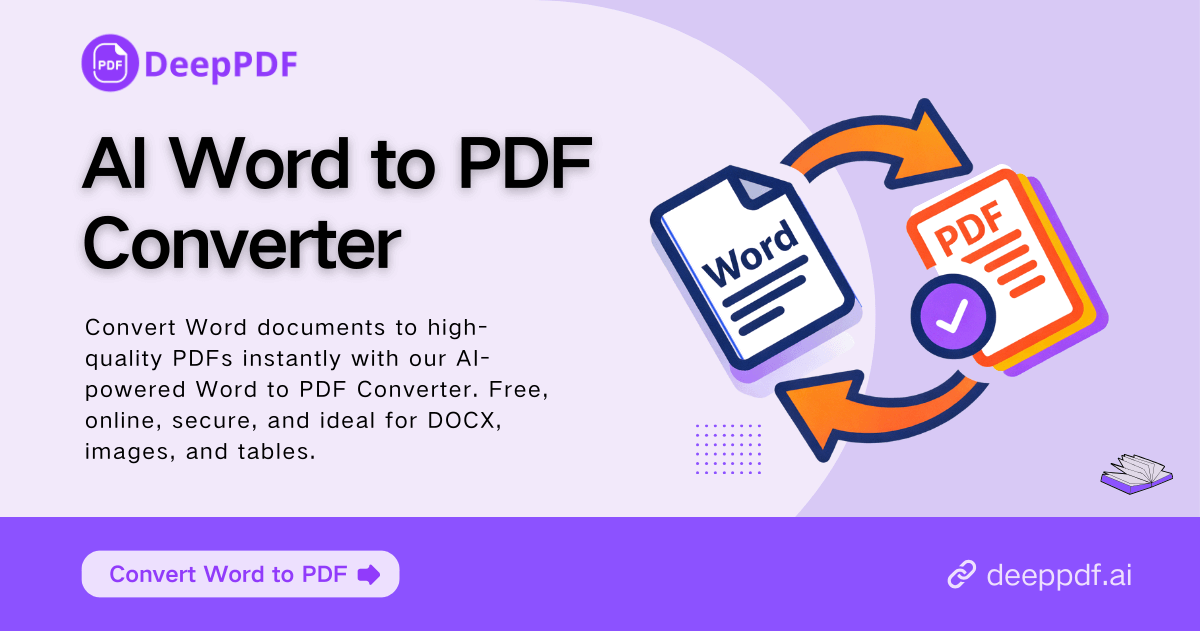
Flawless PDF Output for Every Document

Get professional, ready-to-use PDFs from any Word file in seconds. Text, tables, and images appear crisp and well-organized, ensuring every report, presentation, or assignment looks polished without extra effort.

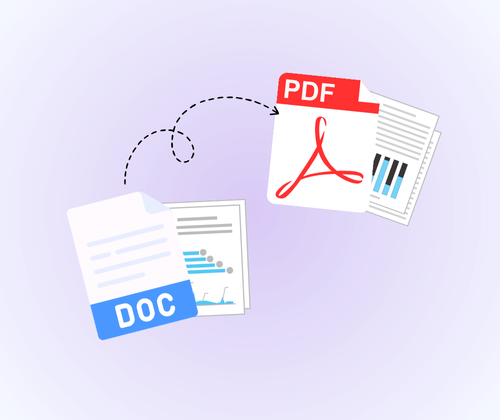
Smart AI for Accurate Layouts

Our AI technology ensures every layout, chart, and graphic stays exactly as in the original Word document. Even complex designs are preserved, so you can share or print with complete confidence.

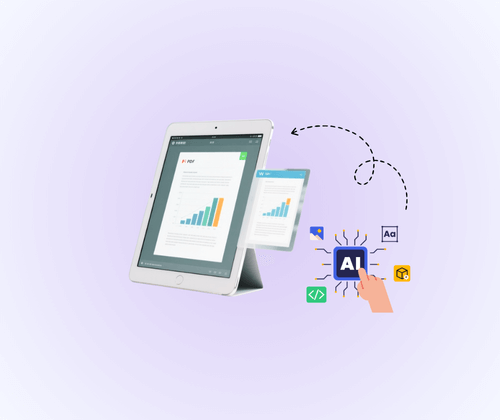
Fast, Secure, and Online

Convert files safely without installing software. AI Word to PDF Converter delivers rapid, secure online processing, letting you manage documents quickly and efficiently anytime, anywhere.

How to Use AI Word to PDF Converter in 3 Easy Steps

Convert your Word documents into professional PDFs quickly. AI Word to PDF Converter provides a fast, secure, and accurate online conversion experience.

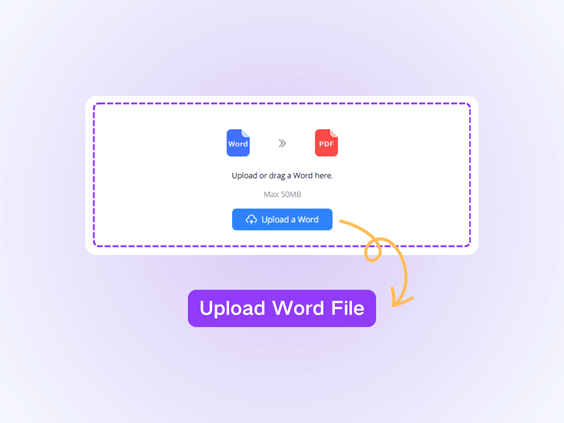
Step 1: Upload Your Word File

Step 1: Upload Your Word File

Choose your Word document (DOCX or DOC) from your device to start the conversion process. The tool prepares your file for quick AI processing.

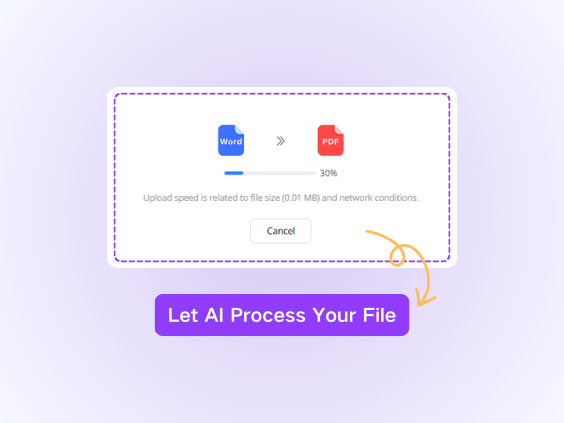
Step 2: AI Conversion

Step 2: AI Conversion

The AI engine converts your Word file into a polished PDF automatically. Complex layouts, tables, and images are handled accurately without any manual adjustments.

Step 3: Download and Share

Step 3: Download and Share

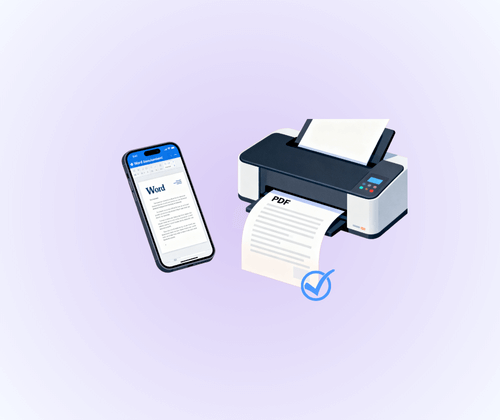
Download your finished PDF instantly. Share it, print it, or store it securely online for professional use anytime.

What Users Say About AI Word to PDF Converter

L.M. avatar

L.M.

Online Instructor

"As a teacher, I need to convert lesson plans and handouts into PDFs regularly. AI Word to PDF Converter makes this process seamless. It maintains all the formatting, images, and tables intact, which saves me hours of adjustments. The online interface is intuitive, and I can convert documents from any device without installing software. Every converted PDF looks professional and is easy to share with students or colleagues. I highly recommend this tool for anyone who needs accurate and high-quality Word to PDF conversion."

J.T. avatar

J.T.

E-commerce Founder

"Managing reports and proposals for my business requires precision and clarity. AI Word to PDF Converter ensures that every Word document I convert retains its original layout, fonts, and graphics. It’s quick, reliable, and the PDFs look flawless for client presentations. I appreciate that it works entirely online, so I can access it from my office or home without worrying about compatibility issues. This tool has significantly improved the quality of my deliverables and streamlined my workflow."
S.K. avatar

S.K.

Marketing Specialist

"I frequently work with complex Word documents that include tables, charts, and high-resolution images. Using AI Word to PDF Converter has made my workflow so much easier. The tool preserves every detail perfectly, ensuring that my PDFs look exactly like the original Word files. I can share professional-quality documents with clients or print them without worrying about formatting issues. The process is fast, online, and very reliable. It has completely replaced the old, cumbersome converters I used before, and I now trust it for all my document conversion needs."
R.P. avatar

R.P.

University Student

"As a student, I frequently convert research papers and assignments from Word to PDF. AI Word to PDF Converter has been invaluable. It keeps all formatting, charts, and figures perfectly intact, which is crucial for submitting assignments professionally. The online tool is fast, easy to use, and doesn’t require any downloads. I can convert documents from anywhere and ensure they are ready for submission immediately. It’s by far the most reliable Word to PDF converter I’ve used."
A.D. avatar

A.D.

HR Manager

"I often collaborate with international clients who need perfectly formatted PDFs. AI Word to PDF Converter is my go-to solution. It handles complex Word files, including multi-page tables and embedded images, with complete accuracy. The AI technology behind it ensures layouts are preserved, and I don’t need to make any manual adjustments. Using this converter saves time and provides peace of mind that every document will look professional, whether for email sharing or printing purposes."
M.N. avatar

M.N.

Freelance Content Creator

"Creating proposals and reports for my clients requires precise formatting. AI Word to PDF Converter ensures that all Word documents convert to PDFs without losing tables, images, or page layouts. The results are consistently professional, and the tool is very easy to use. I can complete conversions quickly online, which saves a lot of time. It’s a dependable solution that I recommend to anyone needing accurate and high-quality Word to PDF conversion for work or personal use."

Instantly Convert Word Files into High-Quality PDFs

Ensure your Word documents look perfect in PDF format with AI Word to PDF Converter. This AI-powered Word to PDF tool preserves design, formatting, and images for professional results every time.

Start Converting Now

Frequently Asked Questions About AI Word to PDF Converter