
In 2026, the most common “hidden time sink” isn’t meetings—it’s PDF tables. Someone sends a bank statement, invoice batch, or report as a PDF, and the next person spends an hour copy-pasting into Excel, then fixing columns that collapse into chaos. The problem isn’t you. PDFs are designed to look consistent, not to store data in clean rows and columns. That’s why the search convert pdf to excel free keeps rising: people want a spreadsheet they can actually edit—aligned columns, real numbers, and minimal cleanup.
This comparison breaks down the best ways to convert pdf to excel free in 2026: Excel import, classic online converters, and modern AI tools with OCR and table-structure detection. You’ll also get a consistent “top tools” list (including DeepPDF) plus a practical workflow for convert pdf to excel free online and pdf to xlsx online results that don’t need hours of repair.
Why “convert pdf to excel free” is harder than it looks
When you convert pdf to excel free, the converter must infer table structure. Many PDFs do not contain a true table object. Instead, they contain text placed at precise coordinates so it looks like a table. That is why even a solid pdf to excel converter free can produce broken columns, split rows, or merged headers.
Common reasons conversion fails
- Fake tables made from spaced text blocks.
- Merged headers that span multiple columns.
- Wrapped cells that push text into the wrong row.
- Image-only pages that require OCR pdf to excel.
- Multi-page statements that repeat headers and footers.
- Number formatting that turns values into text.
This is where AI pdf to excel tools can help. An AI OCR pdf converter typically combines OCR with layout and table detection. It attempts to rebuild rows and columns rather than only extracting text. It does not guarantee perfection, but it often reduces the most frustrating outcome of convert pdf to excel free, which is column misalignment.
What AI does in PDF to Excel conversion
AI improves convert pdf to excel free workflows in three practical ways.
OCR that reads scanned pages
A scanned PDF behaves like an image. OCR converts that image into text. For scanned pdf to excel, OCR is necessary. AI-enhanced OCR can be more tolerant of skew, blur, and background noise.
Table detection that rebuilds structure
Tables in PDFs are frequently visual rather than structural. AI-based table detection looks for cues such as spacing, alignment, and repeating patterns. It then reconstructs rows and columns so the XLSX output is closer to a real spreadsheet.
Post-processing that keeps values usable
After you convert pdf to excel free, you want numbers to remain numeric and dates to remain dates. Some AI workflows attempt light normalization. You should still verify totals and negatives, especially in financial tables.
How to convert pdf to excel free with the least cleanup
If you are looking for how to convert pdf to excel free in a repeatable way, use this workflow.
Step 1. Confirm whether the PDF is scanned
Open the PDF and try selecting text inside the table. If selection works, the PDF likely contains text. If selection does not work, the table is likely image-based and needs OCR pdf to excel.
Step 2. Match the method to the file
For a clean PDF with selectable text, a classic convert pdf to excel free online tool often works. For a scan or a complex layout, use an AI OCR pdf converter or an AI pdf to excel tool that emphasizes table structure detection.
Step 3. Validate quickly before you trust the sheet
After you convert pdf to excel free, check column alignment, number formatting, totals, and repeated headers. If the sheet fails these checks, re-run conversion with OCR enabled or switch to a tool that focuses on table reconstruction.
Top best tools to convert pdf to excel free (2026)
Sometimes the fastest way to decide is to match the tool to the file you have. A clean, selectable-text PDF can work with almost any pdf to excel converter free. A scanned bank statement usually needs OCR pdf to excel. A messy invoice table often needs an AI OCR pdf converter that can rebuild columns. The tools below are popular options for convert pdf to excel free online, and each one has a different “best fit.”
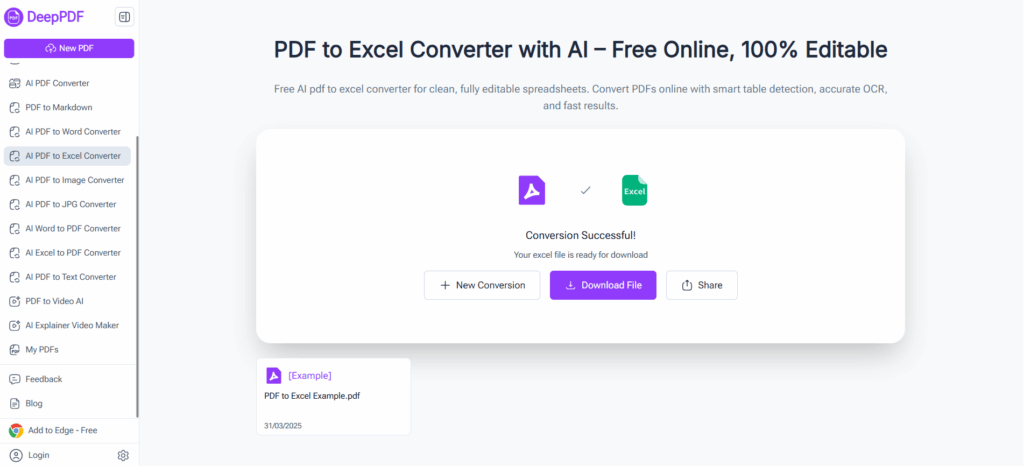
1. DeepPDF - Convert pdf to excel free with AI table detection and multi-sheet output
DeepPDF is designed for AI pdf to excel conversion and focuses on table structure detection. It also supports OCR pdf to excel, which helps with scanned pdf to excel files. A practical feature is multi-sheet output. When a PDF includes multiple tables or sections, DeepPDF can convert pdf to excel free online into an Excel file with multiple sheets, which helps keep large documents organized.
What it does well
- Helps convert pdf to excel free with table-structure detection for better column alignment.
- Supports OCR pdf to excel for scans and image PDFs, useful for scanned pdf to excel.
- Supports multiple sheets when the PDF has multiple tables or sections.
Quick test for quality
- Check whether the output keeps the same column count across sheets and whether the totals row stays under the correct column after you convert pdf to excel free.
Best for
- Multi-page statements, scanned reports, and messy tables where you want a cleaner XLSX after you convert pdf to excel free online.
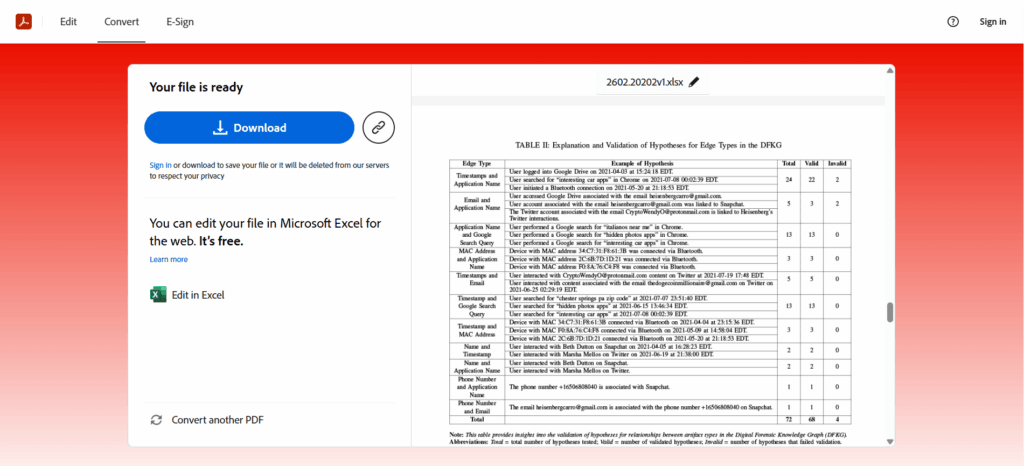
2. Adobe Acrobat Online - Convert pdf to excel free online with a familiar PDF workflow
Adobe Acrobat Online is a common choice for users who want a familiar PDF workflow when they convert pdf to excel free. It typically fits standard PDFs with selectable text and straightforward tables. It can be a convenient first attempt when you need a fast pdf to excel converter free experience for clean documents.
What it does well
- Familiar interface and predictable conversion flow for many standard PDFs.
- Often works best when the PDF text is selectable and columns are clear.
- Practical as a quick baseline method to convert pdf to excel free online.
Quick test for quality
- Verify that numeric columns remain numeric in Excel and that header rows do not get repeated as data after you convert pdf to excel free.
Best for
- Clean report tables and simple exports when you want to convert pdf to excel free with minimal setup.
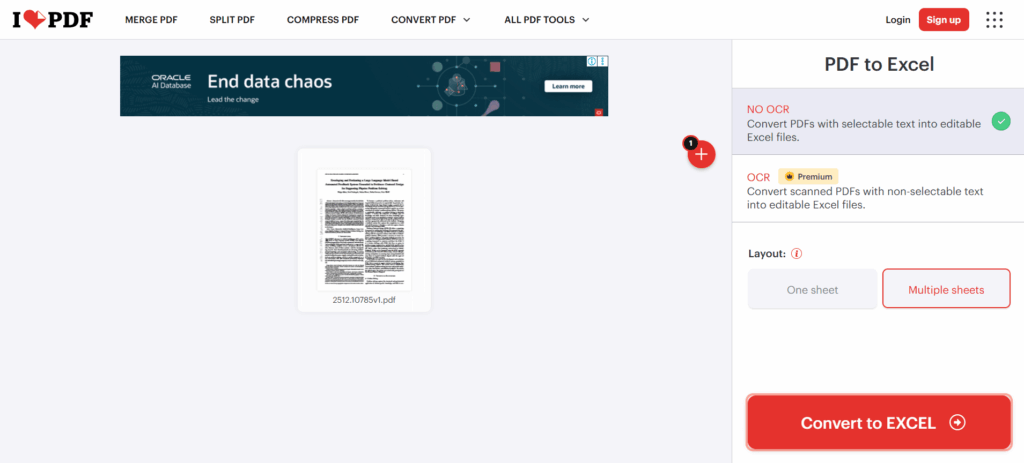
3. iLovePDF - Convert pdf to excel free online inside an all-in-one PDF toolbox
iLovePDF is widely used as a PDF toolbox, which makes it convenient when you handle multiple PDF tasks and then convert pdf to excel free. For clean tables, it can be a quick way to convert pdf to excel free online and download XLSX. For scans, you generally need OCR pdf to excel to get usable output.
What it does well
- Fast workflow to convert pdf to excel free for basic, text-based tables.
- Useful if you want many PDF utilities plus pdf to xlsx online conversion in one place.
- Convenient for routine “convert and share” tasks.
Quick test for quality
- Confirm that multi-line description cells stay in one row and do not push values into the next line after you convert pdf to excel free online.
Best for
- Users who want a single PDF toolkit and frequently convert pdf to excel free for clean documents.
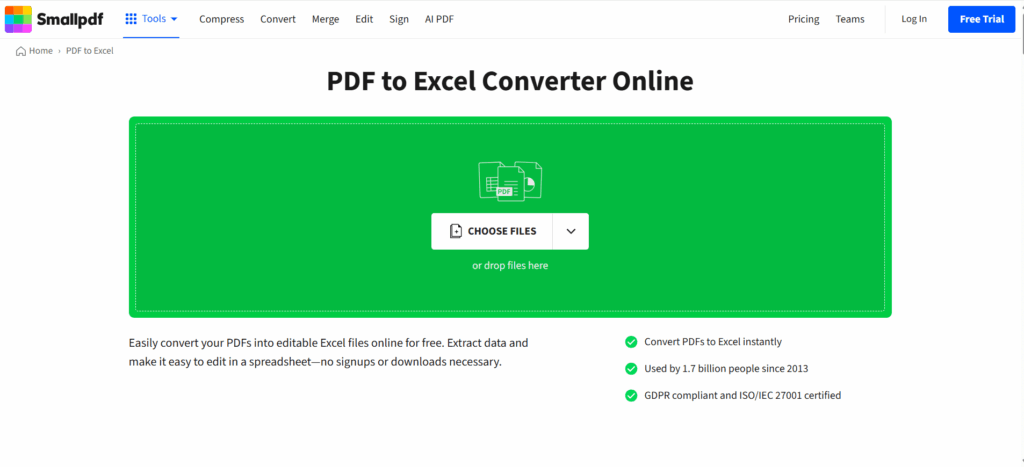
4. Smallpdf - Convert pdf to excel free with a simple, fast interface
Smallpdf focuses on a simple experience and quick conversions. It is popular when you want to convert pdf to excel free online without dealing with settings. It is typically most useful for clean PDFs with selectable text. For scanned documents, OCR pdf to excel may be tied to a trial or paid plan, so it helps to check that before relying on it for scanned pdf to excel tasks.
What it does well
- Simple workflow to convert pdf to excel free for straightforward tables.
- Convenient for quick pdf to xlsx online conversions on clean PDFs.
- Good as a fast “first attempt” converter.
Quick test for quality
- Look for “blank table areas” in the XLSX. If the PDF was scanned, blank areas usually indicate OCR was not applied when you convert pdf to excel free.
Best for
- Speed-focused users who want to convert pdf to excel free online for clean tables.
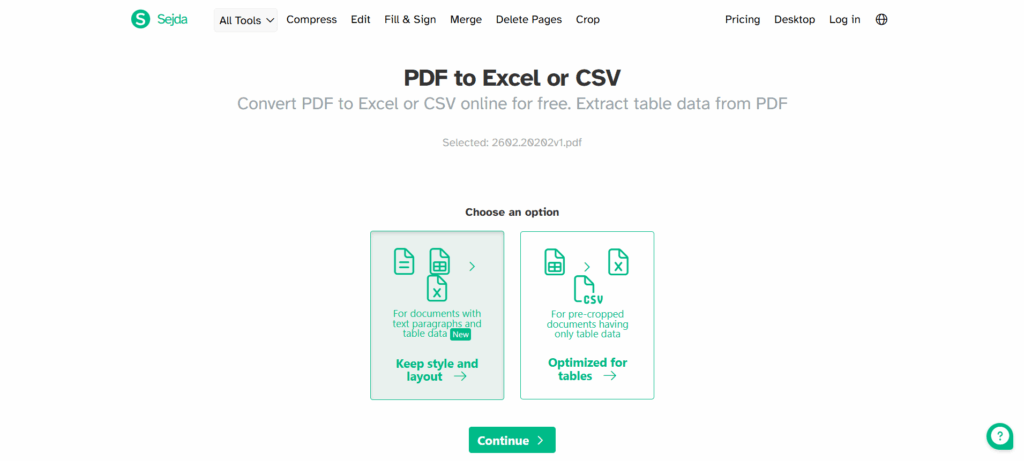
5. Sejda - Convert pdf to excel free with XLSX or CSV when layout is tricky
Sejda is useful when formatting is unpredictable. If the XLSX output looks messy after you convert pdf to excel free, exporting CSV can be a practical fallback. CSV often preserves data more cleanly, even if you need to format it in Excel afterward. For scanned pdf to excel, OCR is often handled through a separate OCR tool, so it is worth confirming your OCR path.
What it does well
- Lets you convert pdf to excel free to XLSX, with CSV as a helpful alternative.
- Useful for data-first workflows after you convert pdf to excel free online.
- Good when you plan to reshape data inside Excel.
Quick test for quality
- Export both XLSX and CSV once. If CSV keeps the right row order and amounts, use CSV as the stable option after you convert pdf to excel free.
Best for
- Analysts and ops users who want a reliable data path when they convert pdf to excel free, even if layout is inconsistent.
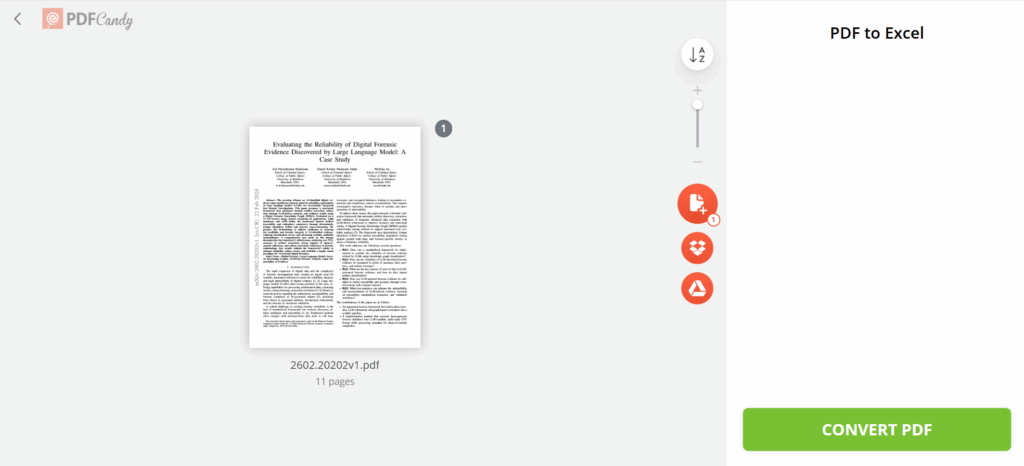
6. PDF Candy - Convert pdf to excel free with a beginner-friendly flow
PDF Candy keeps the process simple and is often used for occasional conversions. It can convert pdf to excel free online for basic, text-based tables. For scans, OCR is commonly offered as a separate tool, so check that if you need OCR pdf to excel before you convert pdf to excel free.
What it does well
- Easy steps to convert pdf to excel free for basic tables.
- Useful for quick one-off pdf to excel converter free needs.
- Straightforward browser workflow.
Quick test for quality
- Check whether the first two data rows land under the correct headers. If not, you may need an AI OCR approach to convert pdf to excel free for this file.
Best for
- Casual users who want to convert pdf to excel free on simple PDFs without learning tools.
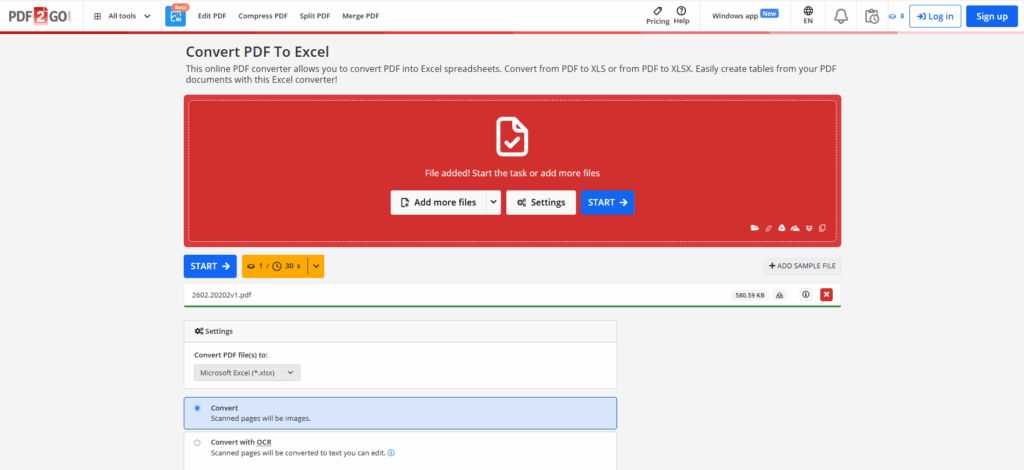
7. PDF2Go - Convert pdf to excel free online with direct Excel export
PDF2Go is a straightforward browser converter that you can use as a quick first attempt to convert pdf to excel free for clean PDFs. If your document is scanned, check OCR options first because OCR pdf to excel is required for scanned pdf to excel.
What it does well
- Quick way to convert pdf to excel free online for simple tables.
- Direct export to common Excel formats for standard workflows.
- Useful as a backup when another tool fails.
Quick test for quality
- Confirm that dates and currency columns do not become one long text string after you convert pdf to excel free online.
Best for
- Quick conversions of clean PDFs when you want to convert pdf to excel free online with minimal steps.
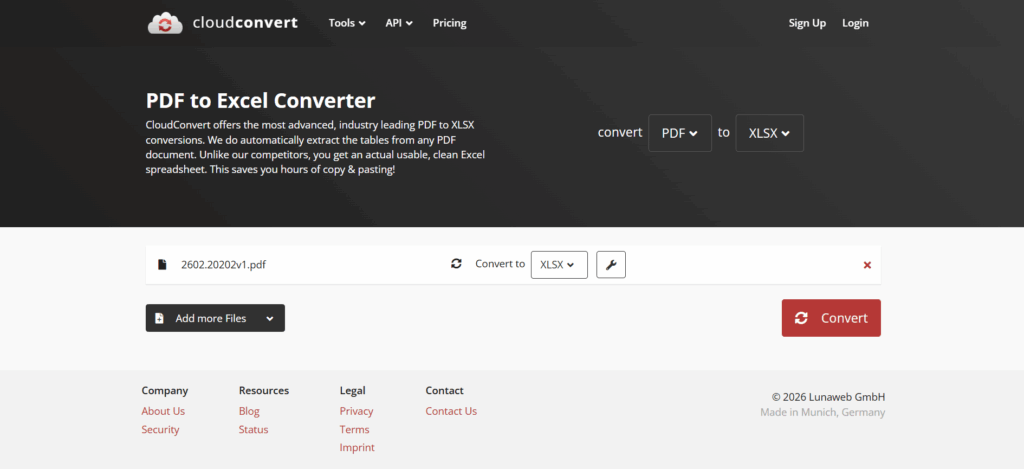
8. CloudConvert - Convert pdf to excel free within a flexible format platform
CloudConvert is often used by power users because it supports many formats beyond PDF. It can convert pdf to excel free for clean PDFs and fits broader workflows where you convert multiple file types. For scans, OCR may not be emphasized in the PDF-to-XLSX flow, so confirm options if you need OCR pdf to excel for scanned pdf to excel.
What it does well
- Useful when you frequently convert pdf to excel free alongside other format conversions.
- Good for multi-format workflows and repeated conversions.
- Often produces usable XLSX output for clean PDFs.
Quick test for quality
- Check whether column headers remain stable and whether the sheet keeps consistent spacing between columns after you convert pdf to excel free.
Best for
- Power users and teams who want one platform for many conversions, including convert pdf to excel free.
Comparison Table
| Tool | Best for | OCR for scanned PDFs | Multi-page / multi-table output |
| DeepPDF | Scans, complex tables | Built-in OCR | Multiple sheets supported |
| Adobe Acrobat Online | Clean text PDFs | Not highlighted | One workbook typical |
| iLovePDF | Quick conversions | OCR option for scans | One workbook typical |
| Smallpdf | Simple UX | OCR via trial/Pro | One workbook typical |
| Sejda | Data-first | OCR via separate tool | XLSX or CSV option |
| PDF Candy | Basic tables | OCR via separate tool | One workbook typical |
| PDF2Go | Basic browser conversion | OCR option depends | One workbook typical |
| CloudConvert | Power workflows | Not highlighted | One workbook typical |
FAQ about convert pdf to excel free
Q1: How can I convert pdf to excel free online without broken columns?
Start with a standard converter for clean, selectable-text PDFs. If columns shift or rows split, switch to an AI OCR pdf converter such as DeepPDF to rebuild table structure, then export XLSX.
Q2: What is the best way to convert scanned pdf to excel for free?
For scanned pdf to excel, you need OCR pdf to excel. Use an OCR-enabled tool first. If you want fewer alignment issues, an AI pdf to excel option like DeepPDF is a good starting point.
Q3: Why does convert pdf to excel free sometimes produce blank cells?
Blank cells usually mean the PDF is image-based and OCR was not applied. Enable OCR pdf to excel and convert pdf to excel free again with an OCR-capable converter.
Q4: Can I convert pdf to excel free and keep multiple tables organized?
Yes. Some tools put everything into one sheet. If your PDF contains multiple tables or sections, use a converter that supports multiple sheets. DeepPDF supports multi-sheet output when you convert pdf to excel free from multi-table PDFs.
Q5: Which pdf to excel converter free should I use if I only need the data, not the layout?
Choose a tool that can export CSV. CSV is often easier to clean for complex tables after you convert pdf to excel free, then you can format it in Excel later.
Conclusion
When you search convert pdf to excel free, you are usually trying to turn a “pretty page” into “working data.” The fastest way to get there is choosing the right path for the file. Clean, selectable-text PDFs can often convert pdf to excel free online with a standard pdf to excel converter free. Scans need OCR pdf to excel, and complex tables usually benefit from an AI OCR pdf converter that can rebuild rows and columns instead of scattering text across cells.
Whatever tool you choose, make the result easy to trust. After you convert pdf to excel free, run a quick sanity check: columns stay aligned, numbers stay numeric, and totals sit under the right header. If you handle scanned pdf to excel or multi-table reports often, DeepPDF is a practical option to try because it combines AI pdf to excel conversion with OCR and table detection, and it supports multi-sheet output to keep sections organized.