
Converting a PDF to Word free online has become a fundamental need in today’s digital world. Whether you are updating a report, editing a resume, or repurposing content for collaboration, pdf to word free tools allow you to transform static PDFs into editable Word documents quickly and efficiently. While there are many options available, not all converters deliver reliable formatting, layout preservation, or true editing capabilities — especially for complex files containing images and structured tables.
In this article, we provide a comprehensive LightPDF review and explore the top PDF to Word free alternatives in 2025. We cover trusted, high‑traffic tools that make it easy to convert PDF to Word online free, including deep AI‑enhanced converters like DeepPDF, Adobe’s trusted solution, Nitro, HiPDF, and PDFGear.
Throughout this guide, you’ll find actionable tips, strengths and weaknesses of each tool, and advice on choosing the best pdf to word free solution for your needs.
LightPDF Review – Simple and Effective PDF to Word Free Converter
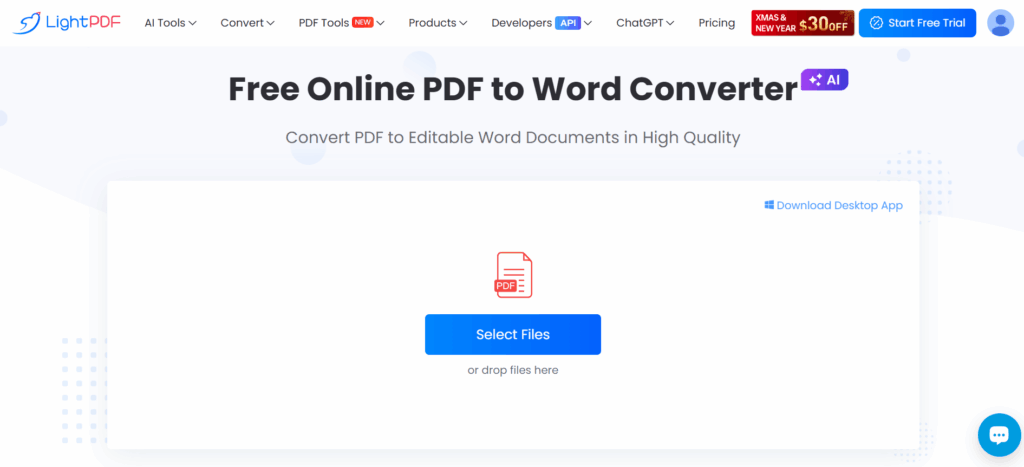
LightPDF is a popular online PDF suite that includes a free PDF to Word converter designed for users who want an easy, no‑hassle experience. As a browser‑based tool, LightPDF allows you to upload a PDF file and immediately begin converting it into an editable Word document without installing software or signing in.
Main Features
- Free pdf to word free online conversion
- Works on any device via web browser
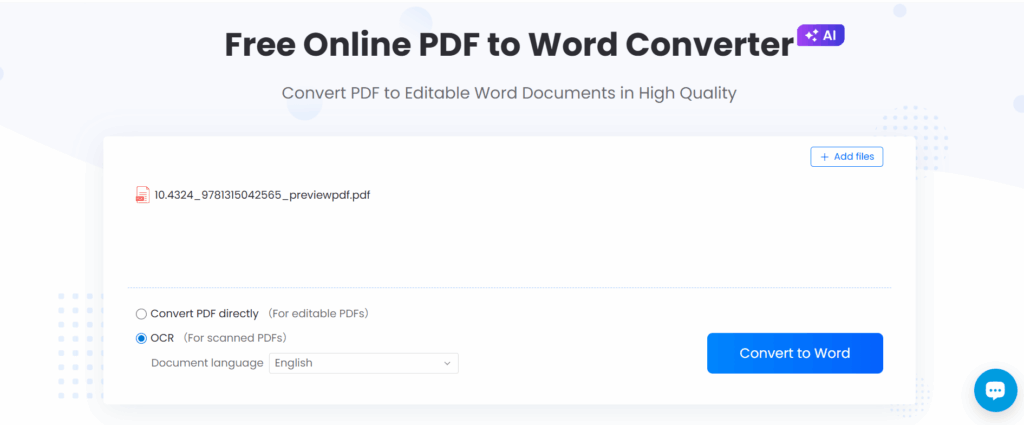
- Supports OCR (Optical Character Recognition) for scanned PDFs
- Clean interface with intuitive drag‑and‑drop upload
- Part of a larger suite of PDF tools (compress, merge, edit)
How It Works
- Visit the LightPDF PDF to Word page
- Upload your PDF file
- Let the tool process the document
- Download the editable Word file
Pros
- No account or software required
- Simple and fast for basic conversions
- OCR support improves results for scanned documents
Cons
- Free tier may limit file size
- Advanced PDF editing tools may require a paid plan
In summary, LightPDF is a reliable pdf to word free solution for users who need straightforward conversion online without complex setup.
Best AI Tools to Convert PDF to Word Free in 2025
DeepPDF AI: Advanced PDF to Word Free Converter
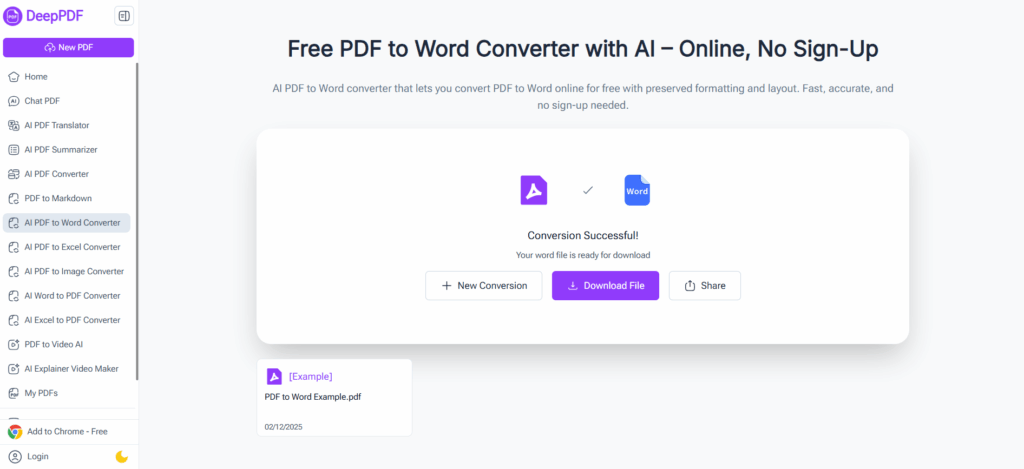
DeepPDF AI’s AI PDF to Word Converter is one of the most advanced tools for converting PDFs into editable Word documents while preserving formatting, fonts, images, and layout. Leveraging artificial intelligence, it goes beyond simple text extraction to intelligently interpret document structure, making it a standout choice for users who need accurate, high‑quality output.
Key Features
- PDF to word free conversion with AI‑enhanced accuracy
- Preserves complex layouts and formatting
- Supports scanned PDFs with built‑in OCR
- Fast upload and download process
- Works entirely online with no installation
Why It Stands Out
DeepPDF AI delivers some of the most accurate conversions among free tools, especially for PDFs with rich content such as tables, graphics, and multi‑column layouts. The AI engine reduces manual clean‑up after conversion, making it ideal for business documents, academic papers, and professional reports.
Best For
- Users needing pdf to word free online tools with AI accuracy
- Complex PDFs with images, tables, or structured data
- Professionals and students seeking polished output
DeepPDF AI’s performance positions it as one of the leading pdf to word free converters available in 2025.
Adobe Acrobat Online – Trusted PDF to Word Free with Brand Reliability
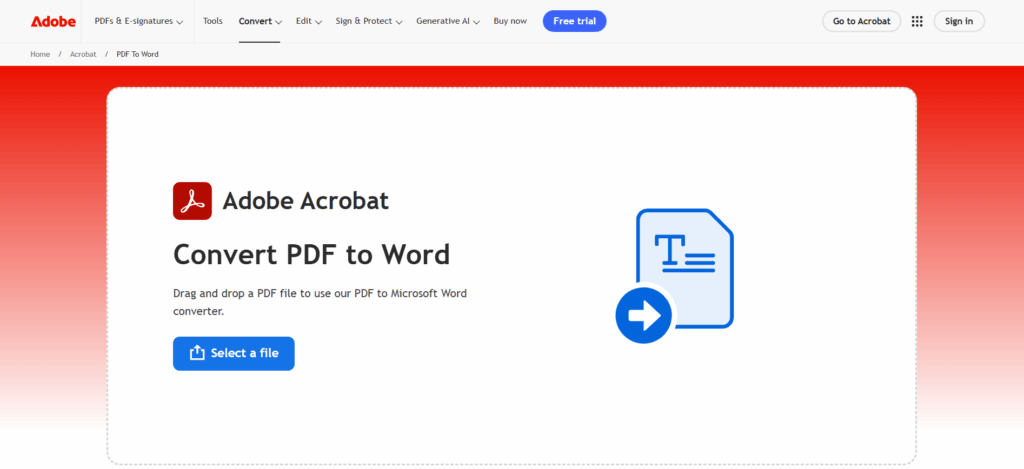
Adobe invented the PDF format, so it’s no surprise that Adobe Acrobat’s online PDF to Word tool is among the most trusted and widely used converters. It provides a straightforward way to convert PDF to Word free online, backed by Adobe’s reputation for accuracy and security.
Key Features
- Free pdf to word free conversion (with limitations)
- Maintains high fidelity formatting
- Uses Adobe’s advanced PDF processing engine
- Secure web‑based conversion
Why It Stands Out
Adobe’s infrastructure ensures that your files are processed accurately and with a high degree of formatting retention. While some advanced features may require an Adobe account or subscription, the free PDF to Word converter is often sufficient for everyday use.
Best For
- Users seeking brand‑trusted solutions
- Conversions where formatting precision matters
- Business and professional document workflows
Adobe Acrobat Online remains a go‑to choice for anyone who frequently needs to convert PDF to Word free with reliable results.
Nitro PDF to Word – Powerful and High‑Quality Free Converter
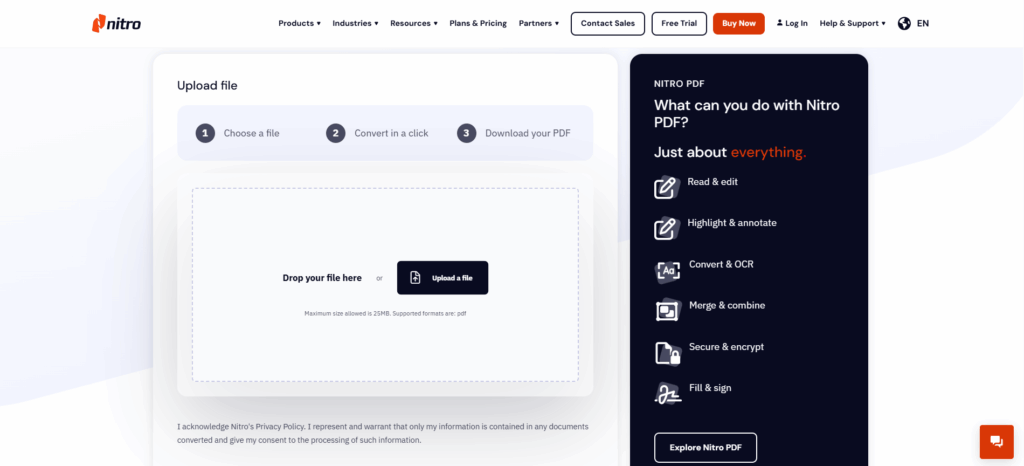
Nitro is a well‑established name in the PDF productivity space, offering a robust PDF to Word conversion tool. Nitro’s online converter focuses on preserving original formatting and structure, ensuring that your output Word documents match the source PDF as closely as possible.
Key Features
- Free pdf to word free online conversion
- Strong formatting and layout preservation
- Works with a range of PDF complexities
- No download required
Why It Stands Out
Nitro’s PDF to Word converter uses advanced algorithms to extract text, graphics, and layout with minimal distortion. While the web version is free with limitations, Nitro similarly provides desktop software for deeper editing workflows.
Best For
- Users who want accurate pdf to word free results
- Larger or more complex PDF files
- Professional or business users
Nitro’s reputation for quality and performance makes it a reliable alternative for users who want to move beyond basic conversion tools.
HiPDF – Versatile PDF to Word Free Converter with OCR Support
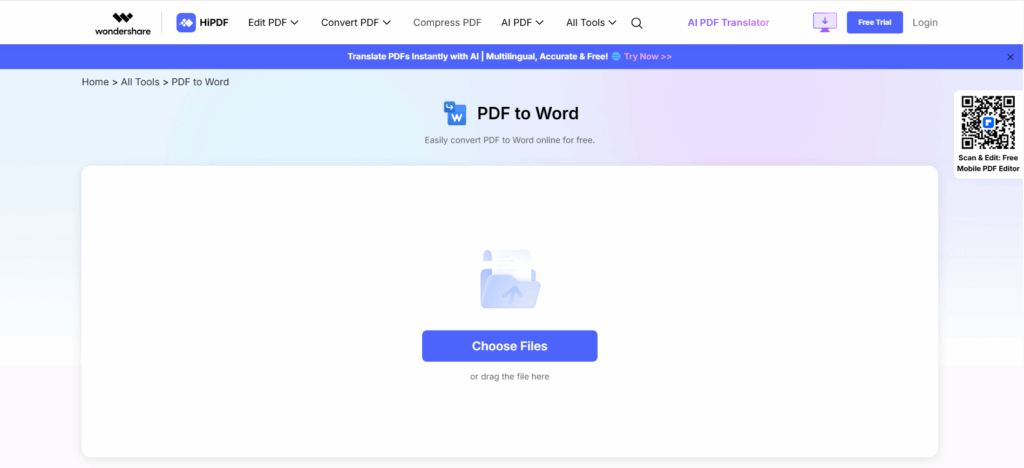
HiPDF is a comprehensive PDF platform that includes a pdf to word free converter alongside many other PDF utilities. It stands out for its OCR support, which helps convert scanned image‑based PDFs into fully editable Word documents.
Key Features
- Free PDF to Word free online conversion
- OCR for scanned documents
- Supports batch processing of files
- Part of a larger suite with file compress, merge, and edit
Why It Stands Out
HiPDF’s browser‑based tools are easy to use and accessible on desktop and mobile. The OCR capabilities are particularly valuable for users who regularly convert image‑based PDFs or documents captured by camera.
Best For
- Users with scanned or image‑rich PDFs
- Anyone needing a versatile set of pdf to word free utilities
- Users who prefer many related tools in one platform
HiPDF’s strong OCR and utility suite make it a great choice for diverse PDF needs.
PDFGear PDF to Word – Straightforward Converter with Clean UI
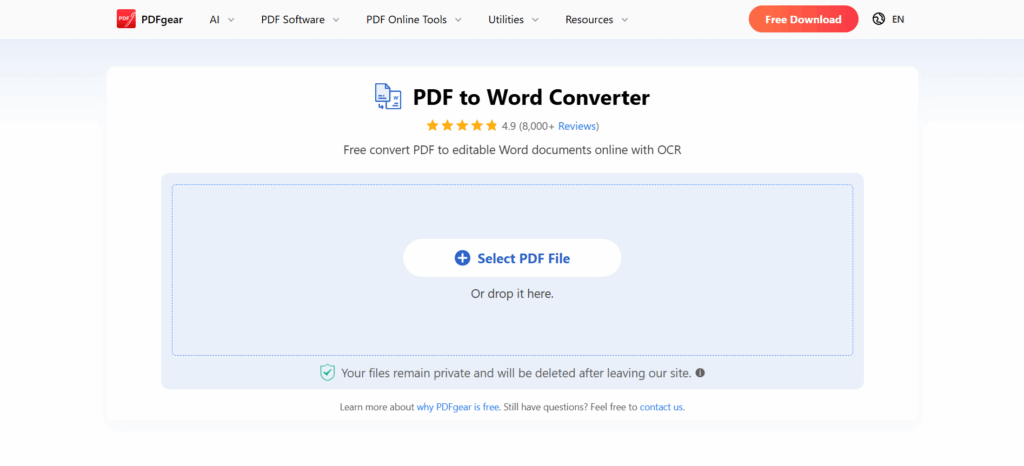
PDFGear offers a clean and intuitive online PDF to Word converter designed to streamline the pdf to word free task without distracting features or bloat. Its simplicity makes it ideal for users who want a fast and effective workflow.
Key Features
- Free pdf to word free online conversion
- Simple and intuitive interface
- Works entirely in your browser
- Good formatting retention
Why It Stands Out
PDFGear focuses on delivering straightforward conversions without requiring a steep learning curve. The tool retains key formatting and is fast enough for everyday use.
Best For
- Casual users and beginners
- Quick, no‑frills pdf to word free tasks
- Users needing efficient, browser‑based conversion
PDFGear’s online converter is a solid choice for those who want a clean experience without sacrificing quality.
How to Choose the Right PDF to Word Free Tool
When evaluating tools to convert PDF to Word free, consider the following criteria:
Formatting Accuracy
Look for converters that retain fonts, tables, images, and layout. AI‑enhanced converters like DeepPDF AI tend to outperform basic tools in this regard.
OCR Support
If you work with scanned PDFs or image‑based files, tools with OCR (such as HiPDF and DeepPDF AI) are essential to extract editable text.
Security
Ensure the platform uses HTTPS encryption and deletes files after processing to protect your data.
No‑Account Access
Many tools let you convert PDF to Word free online without signing up, which is ideal for quick one‑off tasks.
Device Compatibility
A strong online tool should work across desktops, tablets, and mobile browsers.
Choosing the right solution depends on your workflow — whether you prioritize speed, accuracy, security, or advanced features.
Frequently Asked Questions About PDF to Word Free Online Conversion
How does PDF to Word free conversion work?
Converters analyze PDF structure, extract text and formatting data, then reconstruct content in editable Word format. Advanced tools use AI to interpret layout intelligently.
Is it safe to use online pdf to word free converters?
Reputable online tools use encrypted connections and often delete uploaded files after a short time to protect privacy. Always use tools with clear privacy policies.
Can scanned PDFs be converted for free?
Yes. Tools like DeepPDF AI and HiPDF incorporate OCR (Optical Character Recognition) to convert scanned or image‑based PDFs into editable Word documents.
Will formatting be preserved when I convert PDF to Word free?
Top PDF to Word tools use advanced algorithms to maintain fonts, tables, and document structure. However, results can vary with highly complex layouts.
Do I need to install software to convert PDF to Word free?
No. All tools discussed here operate entirely online, allowing you to convert PDF to Word free online without installing apps.
Conclusion
In 2025, converting PDF to Word free online has never been easier. Whether you prefer LightPDF's simplicity, DeepPDF AI's advanced accuracy, Adobe Acrobat Online's trusted reliability, Nitro's professional quality, HiPDF's versatile OCR features, or PDFGear's streamlined efficiency, there’s a tool to match your workflow.
For occasional, simple conversions, LightPDF or PDFGear offer quick and reliable results. Professional users with complex documents will benefit from DeepPDF AI or Adobe Acrobat Online for superior formatting preservation. Users working with scanned PDFs will find HiPDF’s OCR capabilities particularly useful.
Modern pdf to word free online tools are accessible, require no installation, and eliminate hours of manual retyping. Upload, convert, and edit — it’s that simple. Test a few options with your typical documents to find the converter that best fits your needs, and experience professional-quality results effortlessly.